Recurring commission
10%, 12% or 15% of the amount paid, depending on your tier, on the first purchase and on every renewal from people who subscribed with your code.
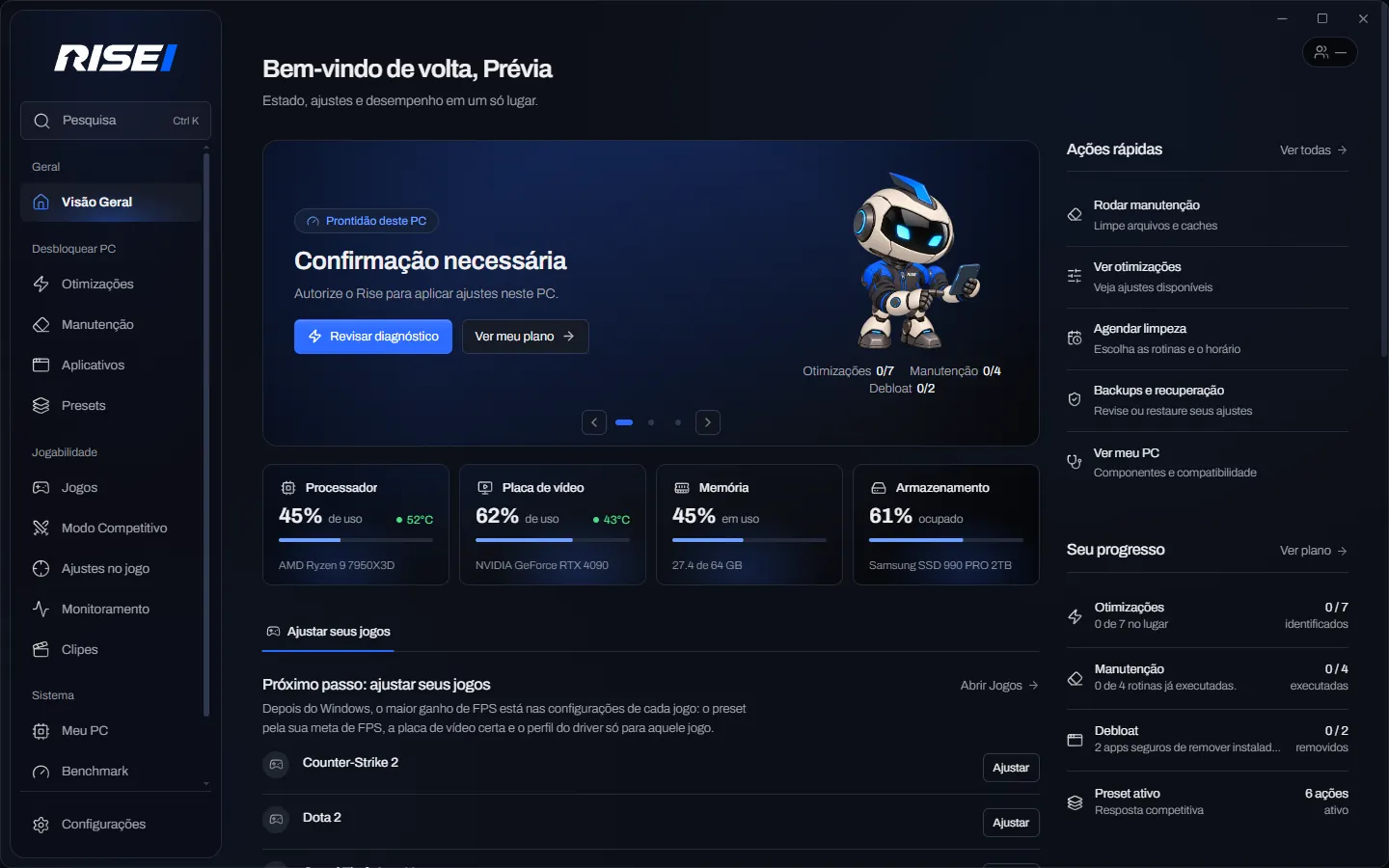
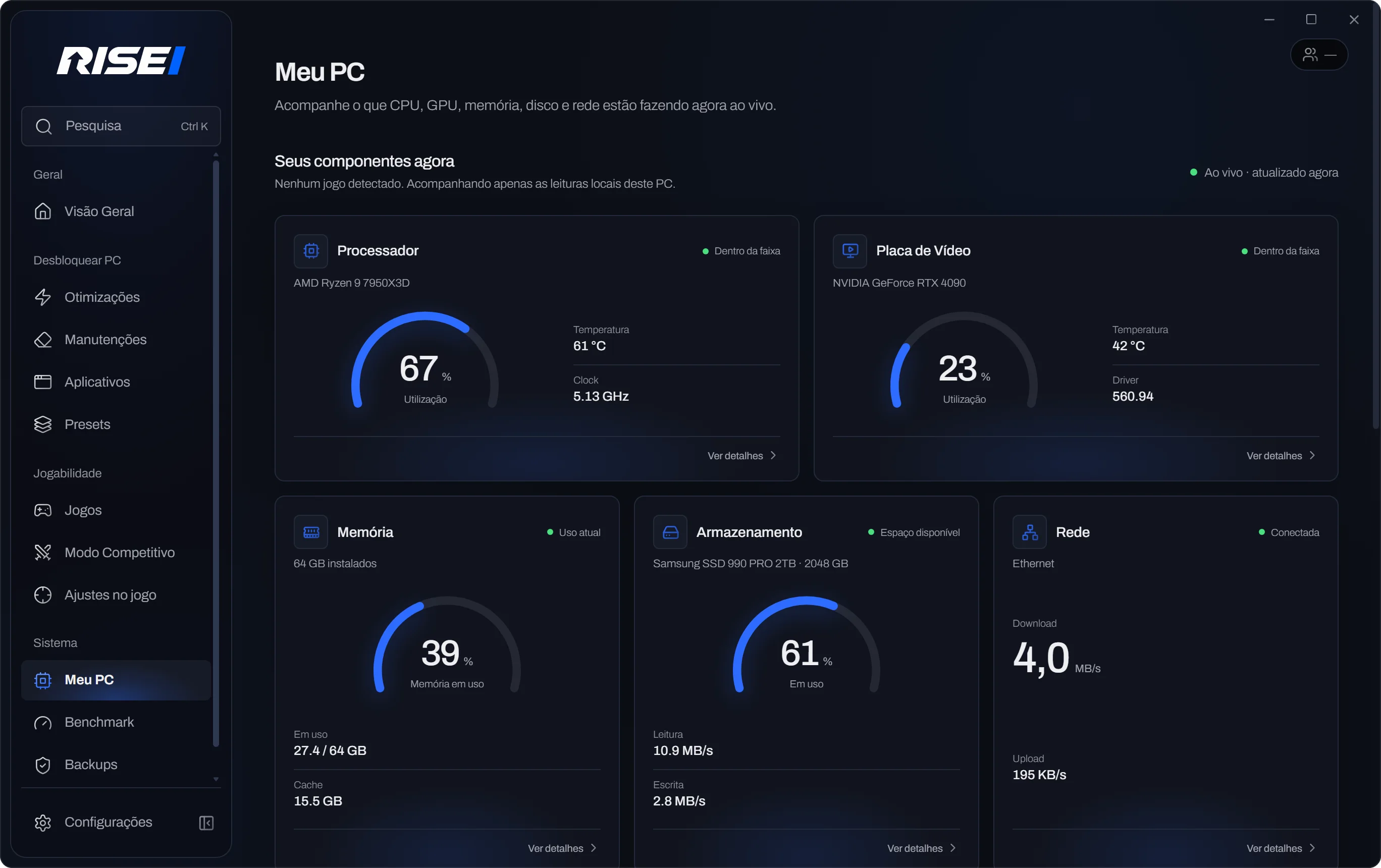
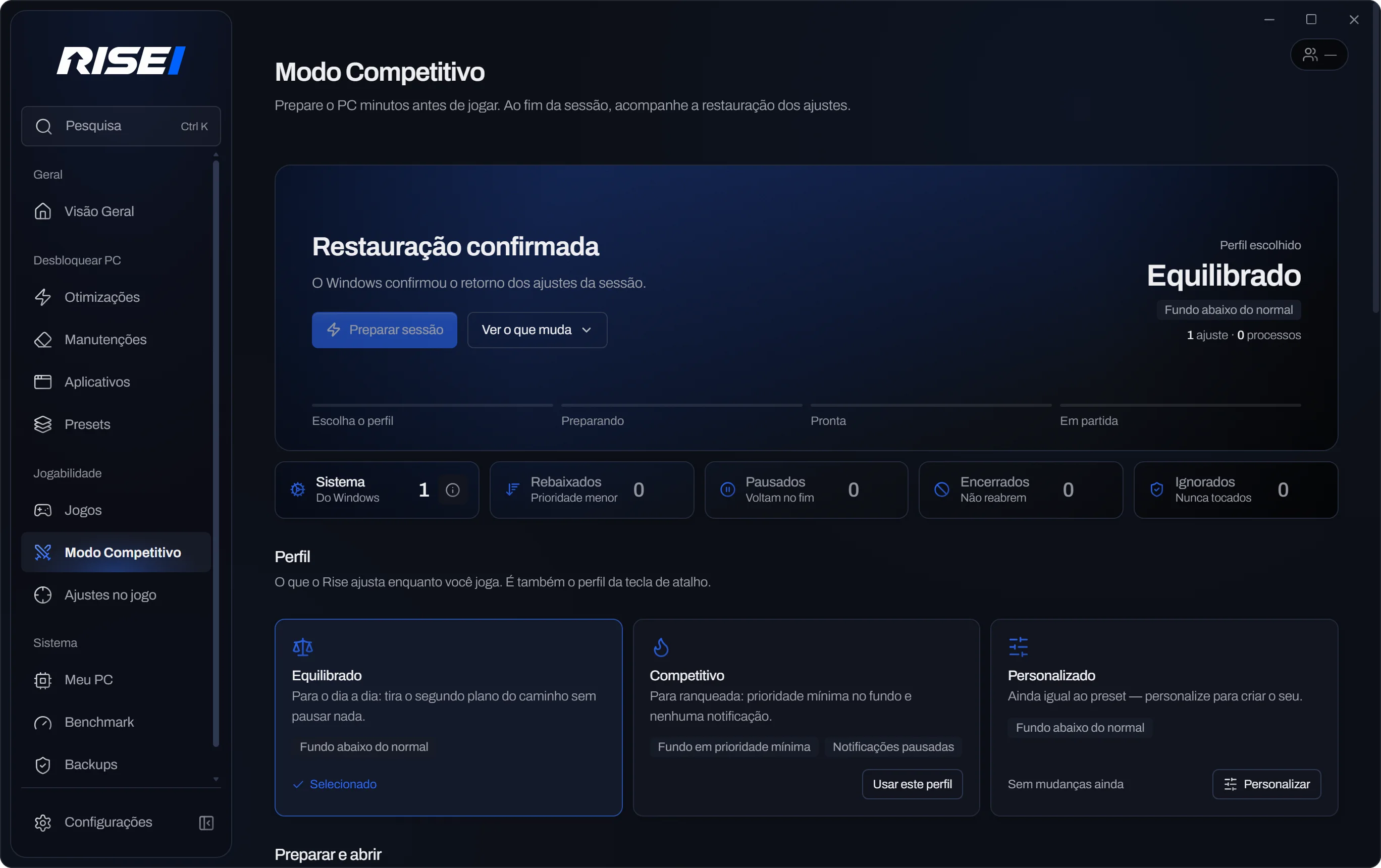
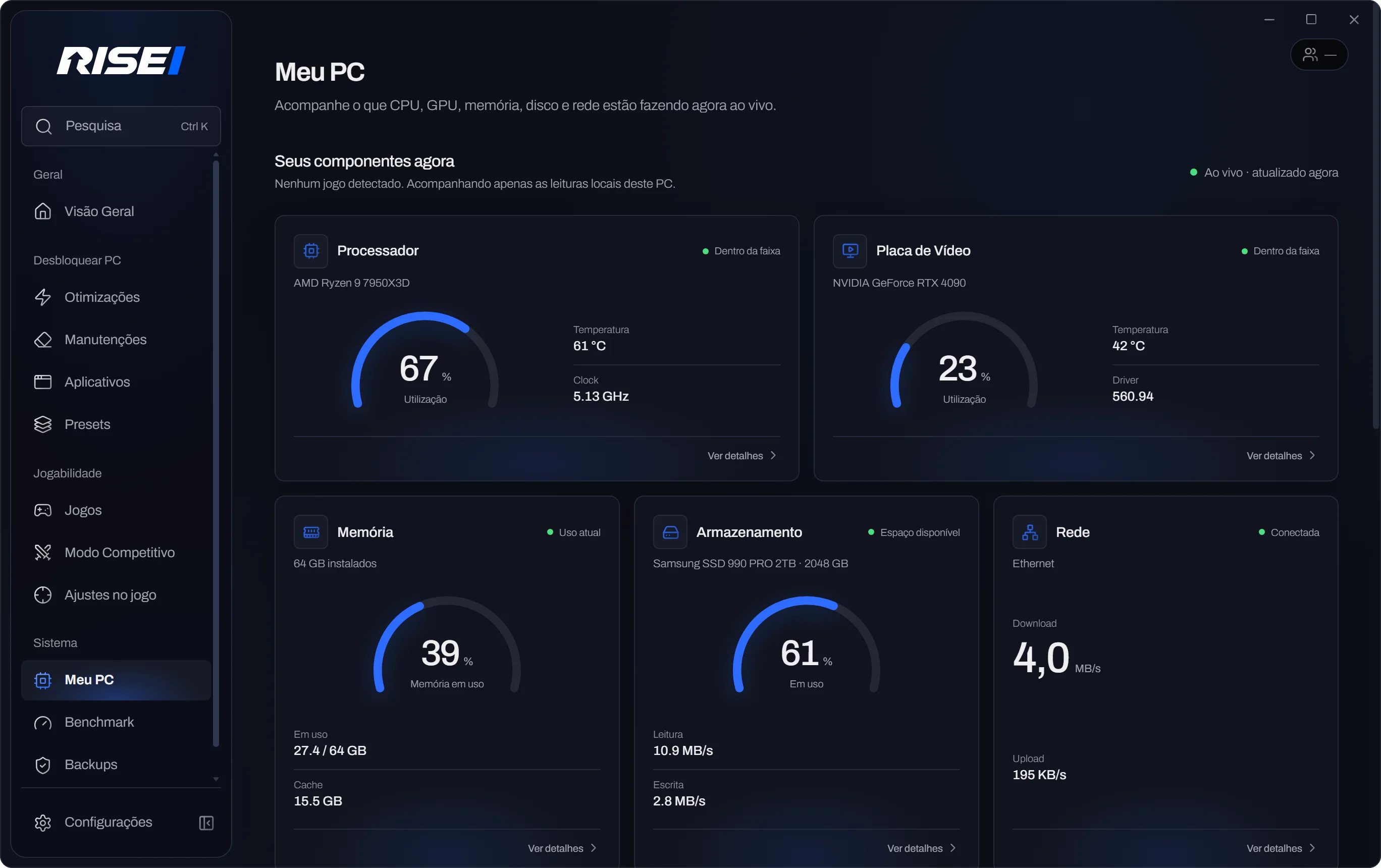
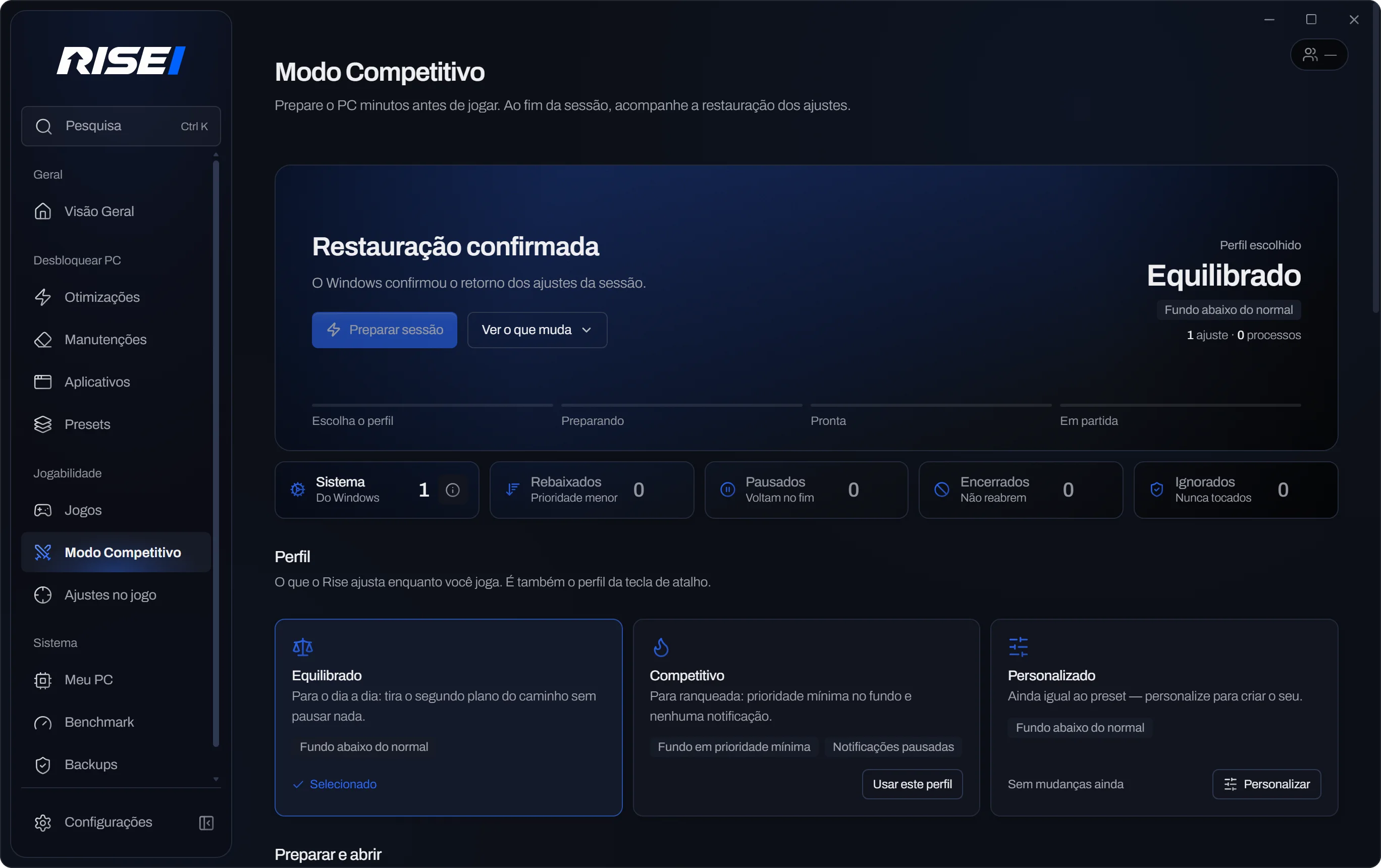
Rise creators earn a commission on every payment from people who subscribe through their link, give their audience a discount and get their own setup inside the app. No number promised: the before and after comes from the Rise Benchmark, on your PC.
Request in one minute, free. The team replies by email.
Everything is recorded in your account: the code, the sales and every commission, sale by sale.
10%, 12% or 15% of the amount paid, depending on your tier, on the first purchase and on every renewal from people who subscribed with your code.
Anyone who comes through your link gets a discount on their first payment, by card or PIX. The notice shows up on the site with your name.
Publish your Rise setup. After review, it shows up in “Creator setups”, with your name and your code.
Link clicks, confirmed sales, commission earned, balance and PIX payouts, in Account › Referrals.
Commission becomes available 30 days after payment (the chargeback window), and payouts start at R$50.00. Creators with an active partnership use Rise Plus for free.
The more active paying customers you bring with your code, the higher your rate. Your tier closes on the 1st of each month and applies to the whole month: if you move up during the month, the new rate starts next month.
10% commission
1 to 10 active paying customers
The first stage, open to every new partner.
12% commission
11 to 30 active paying customers
Creators who have shown they can drive sales.
15% commission
31 or more active paying customers
The highest rate, for partners with proven results.
Commission applies to the first purchase and every renewal from people who subscribed with your code. Anyone with a paid, up-to-date Rise Pro or Rise Plus subscription counts, once per person. Free, Beta and complimentary access don't count; a refund or dispute takes the person out of the count and reverses that payment's commission. Moving up or down never changes commission you've already earned.
Sign in at risefps.com.br/entrar. The partnership is linked to it.
Fill in the form below with your channel. It takes a minute.
The team approves it, agrees on your audience discount and creates your link risefps.com.br/r/YOURCODE.
Follow the kit, publish your setup in the app and see clicks and sales in your account.
The format that sells is simple: the same PC, before and after, with the Rise Benchmark on screen.
If the results screen says the difference is within the margin, say so in the video. An honest result convinces too.
They protect you, your audience and Rise. Content that breaks them can end the partnership.
Logos and current app screenshots to use in videos and thumbnails. Don't change the colors or distort the brand.
Micro-creators are welcome: what counts is talking to people who play on PC.
The team checks your channel and replies by email. Once approved, you join as a candidate partner; the code and the audience discount are agreed before activation, and your commission follows the program tiers. You're never charged.
Run a FiveM or Minecraft server? See the page for servers.