01.Is it a virus? Why does Windows say “Unknown publisher”?
It's not a virus. Rise is still distributed without a code signing certificate, and without one, Windows shows the SmartScreen warning and “Unknown publisher” for any program, not just Rise. Always download from the downloads area of your account on the official site. Rise asks for administrator permission because it changes Windows settings, and it saves the previous value of each tweak so you can go back. How to install, step by step.
02.Can I get banned in games with anti-cheat?
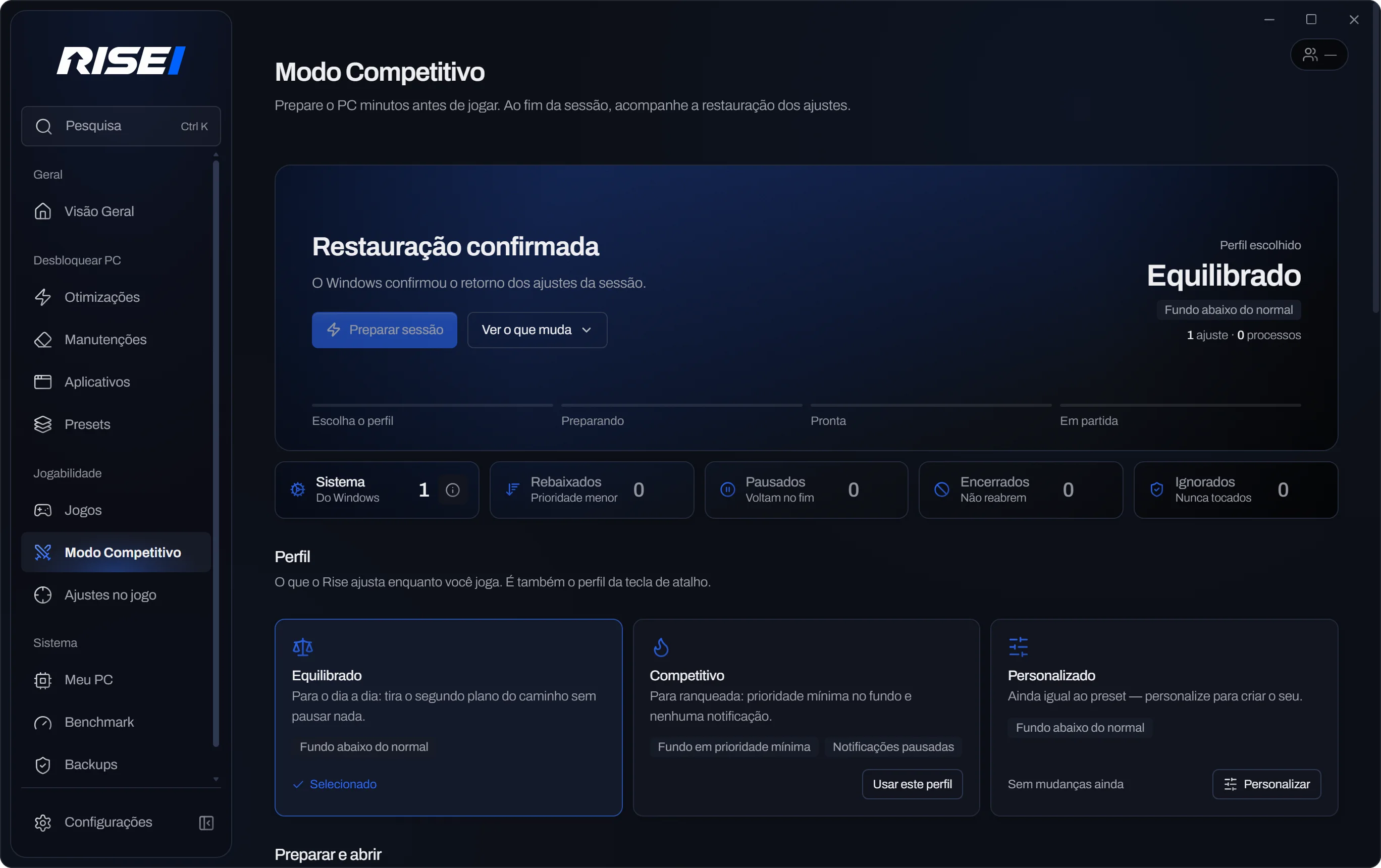
Rise doesn't inject anything into the game and doesn't change match files: tweaks stay in Windows, the GPU and your peripherals. Competitive Mode detects anti-cheats like Vanguard, EAC and BattlEye and backs off actions that could conflict. Still, no optimizer can promise immunity from bans — each game's policy always has the final word.
03.Does it really boost FPS?
It depends on the PC, which is why Rise doesn't promise a number. On a PC that's already well configured, the difference may be small; where there's a power-saving plan, a heavy program in the background or bad settings, there's more to fix. Run the Rise Benchmark before and after: the result that counts is the one measured on your PC, and it may be small or inconclusive.
04.What if something goes wrong?
Before each Windows tweak, Rise saves the original value and checks it after applying; if something doesn't hold, it undoes it on its own. Revert all brings managed tweaks back to their previous state, free on any plan, even after your plan expires. Maintenance tasks with no equivalent undo are flagged before you apply them. Rise doesn't turn off Windows protections like Defender, UAC and the firewall, and support is on Discord.
05.Does it work on a laptop or a simpler PC?
Yes. The diagnostics read your hardware and only show what applies to it, and laptops get their own Rise power plan right on Free. The Rise Benchmark has a Light profile for integrated graphics and low-memory cards, so the measurement makes sense on your PC. On hardware at its limit, the gain usually shows up more as stability than as max FPS.
06.Which systems are supported?
Windows 10 (22H2) and Windows 11.
07.How do I know if it works on my PC?
Start with Rise Free: the full diagnostics show what applies to your PC before any subscription. You can use the starter pack and the Rise benchmark. Pro unlocks the full automatic plan; Plus adds per-game features. You review every tweak before applying it.
08.Does it work in every game? What about CS2 and FiveM?
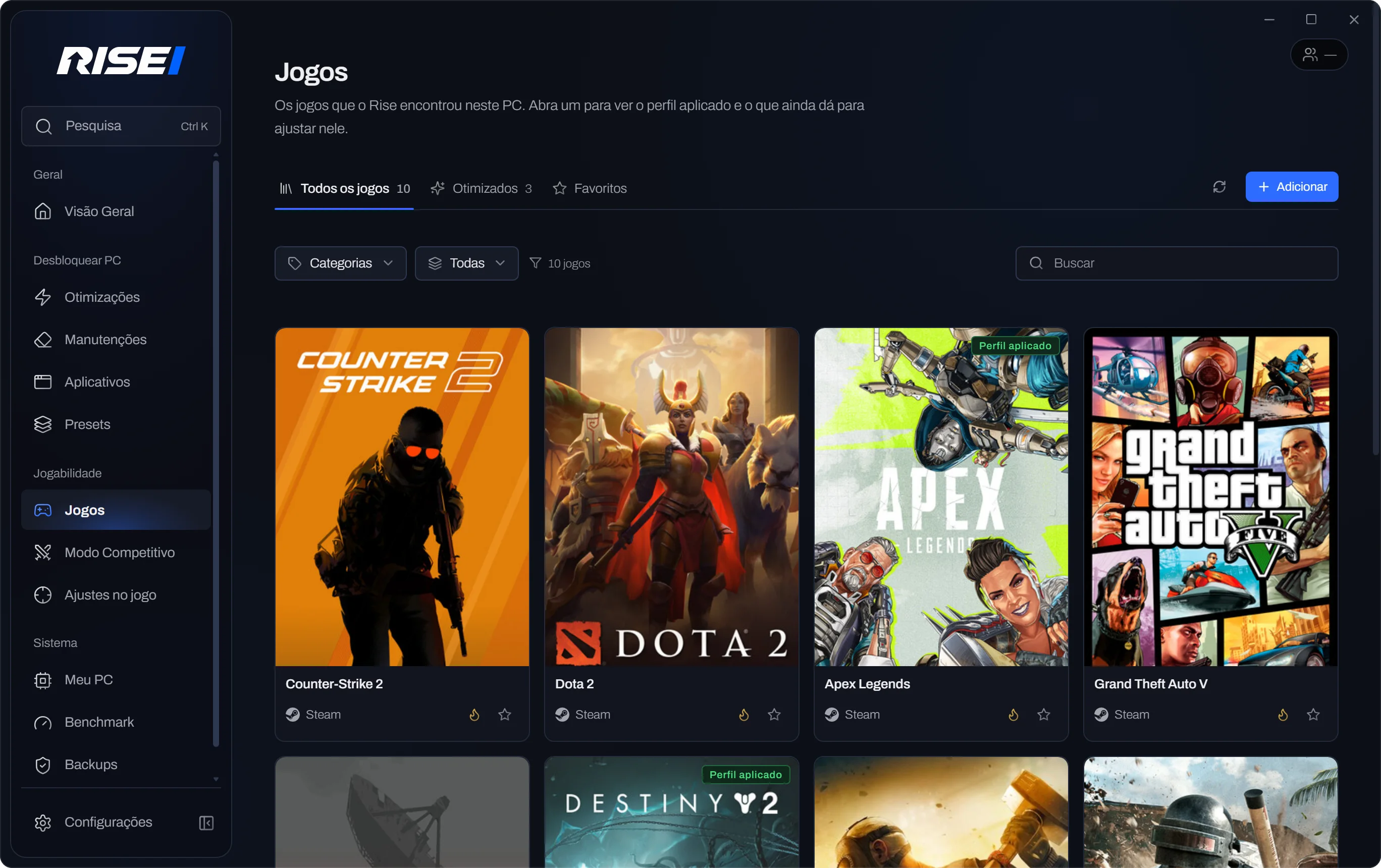
Rise mainly works on Windows, the GPU and your peripherals, so the tweaks apply to CS2, FiveM and other games; the effect, as with any title, varies by PC. Game-specific profiles depend on the title and your hardware, and they're labeled on screen when they exist.
09.Does the automatic plan turn on every tweak?
No. It turns on the essentials, which are safe on any PC. Optional tweaks show up unchecked when you review the plan, and other compatible tweaks live on each area's page, some in the lab and only with your OK. After the plan, the app shows how many still fit your PC and where each one is. How to find the manual tweaks.
10.Do I need to know tech to use it?
No. Rise automates the process; technical info only shows up when it helps you decide.
11.Does Free have a trial period? What if I subscribe and change my mind?
Free is free with no time limit, with full diagnostics and a starter pack of optimizations. If you subscribe to Pro or Plus, you have 7 days to ask for a full refund, and on card you can cancel anytime on the Subscription page. Refund policy.