Rise
Back to Rise Creators

Rise Creator kit. Script, rules and assets.

The script that works, the commission tiers, the dos and don’ts, and the brand files.

Commission tiers

The more active paying customers you bring with your code, the higher your rate. Your tier closes on the 1st of each month and applies to the whole month: if you move up during the month, the new rate starts next month.

  1. Rise Partner

    10% commission

    1 to 10 active paying customers

    The first stage, open to every new partner.

  2. Rise Elite Partner

    12% commission

    11 to 30 active paying customers

    Creators who have shown they can drive sales.

  3. Rise Legend Partner

    15% commission

    31 or more active paying customers

    The highest rate, for partners with proven results.

Commission applies to every payment in the first 2 months from people who subscribed with your code. Anyone with a paid, up-to-date Rise Basic or Rise Premium subscription counts, once per person. Rise Beta and complimentary access don't count; a refund or dispute takes the person out of the count and reverses that payment's commission. Moving up or down never changes commission you've already earned.

Creator kit

The format that sells is simple: the same PC, before and after, with the Rise Benchmark on screen.

30-second script: “R$ X PC before and after Rise”

  1. 0 to 3 sHook with the PC“This PC cost R$ X. Is it really delivering?” Show the PC or the parts list.
  2. 3 to 8 sBefore, measuredRise Benchmark running on screen, with the profile and load mode visible. No FPS from another program.
  3. 8 to 15 sWhat was holding the PC backOpen Rise: the diagnostics show what weighs it down. Review and apply the plan.
  4. 15 to 23 sAfter, on the same profileRun the Rise Benchmark again, same profile and same mode. Cut to the comparison on the results screen.
  5. 23 to 30 sResult and call to action“This is what I got on my PC. On yours, you measure it.” Link and code on screen and in the caption.

How to measure the before and after on your PC

  1. Get the PC ready. Close games and heavy programs. On a laptop, keep it plugged in. Let the PC cool down between runs.
  2. Measure the before. In Rise, open Benchmark, pick the profile (Standard or Light) and the load mode, and run it before optimizing.
  3. Optimize. Apply the Rise plan. If the app asks you to restart, restart before measuring again.
  4. Measure the after. Run it on the same profile and mode. The results screen compares it with the before and tells you when the difference is within the margin.

If the results screen says the difference is within the margin, say so in the video. An honest result convinces too.

Content rules

They protect you, your audience and Rise. Content that breaks them can end the partnership.

Always

  • Show the Rise Benchmark on screen, on the same profile and mode before and after.
  • Disclose the ad: “ad” or “paid partnership” in the caption, plus the platform's paid content label.
  • Say that results change from PC to PC.
  • Show the result from your own PC, recorded by you.

Never

  • Promise an FPS percentage or number (“boosts 50%”, “+100 FPS”).
  • Say that Rise bypasses anti-cheat or screenshare checks. It doesn't.
  • Use a result from another PC as if it were yours.
  • Present yourself as an official Rise profile or show customer data.

Materials

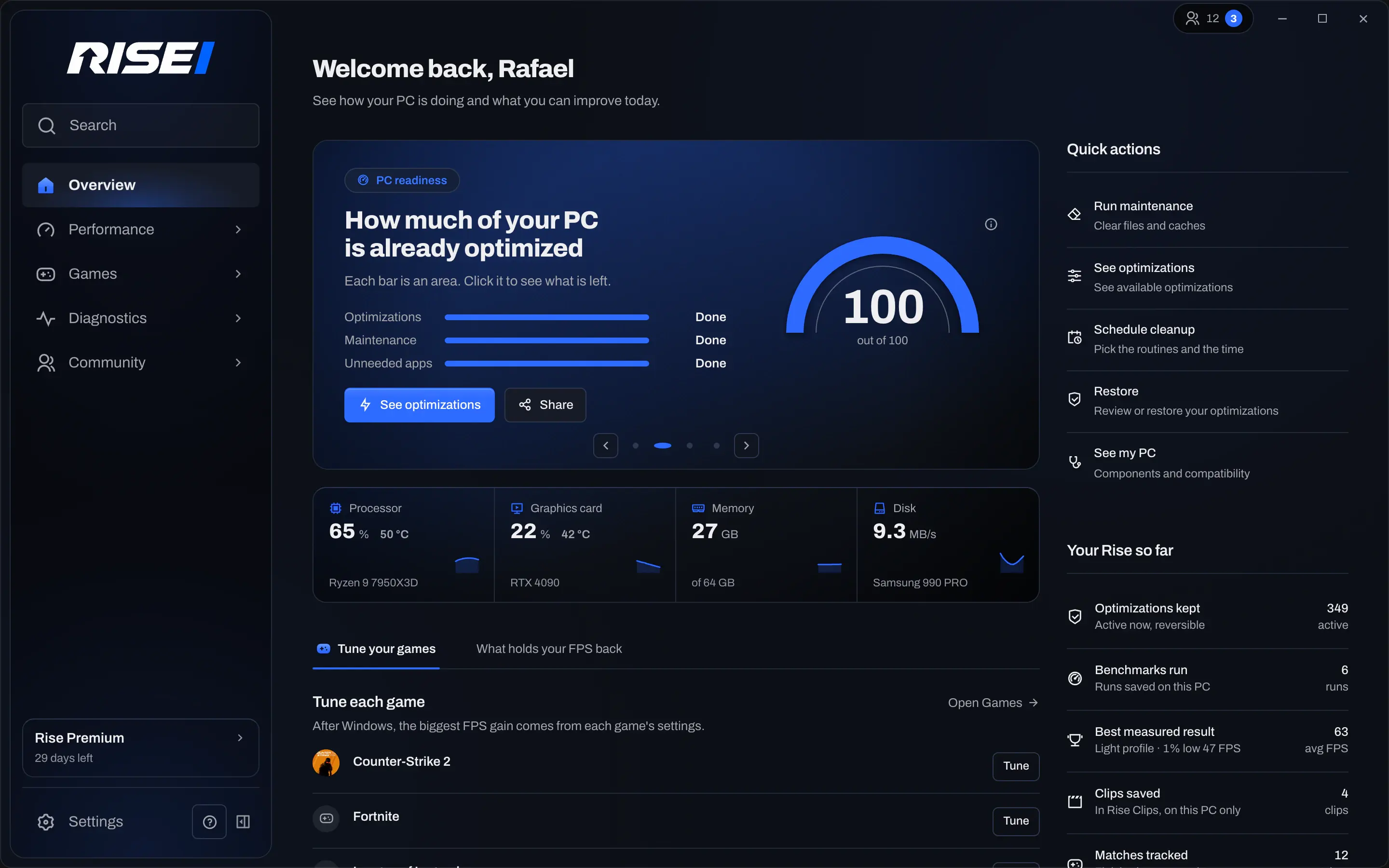
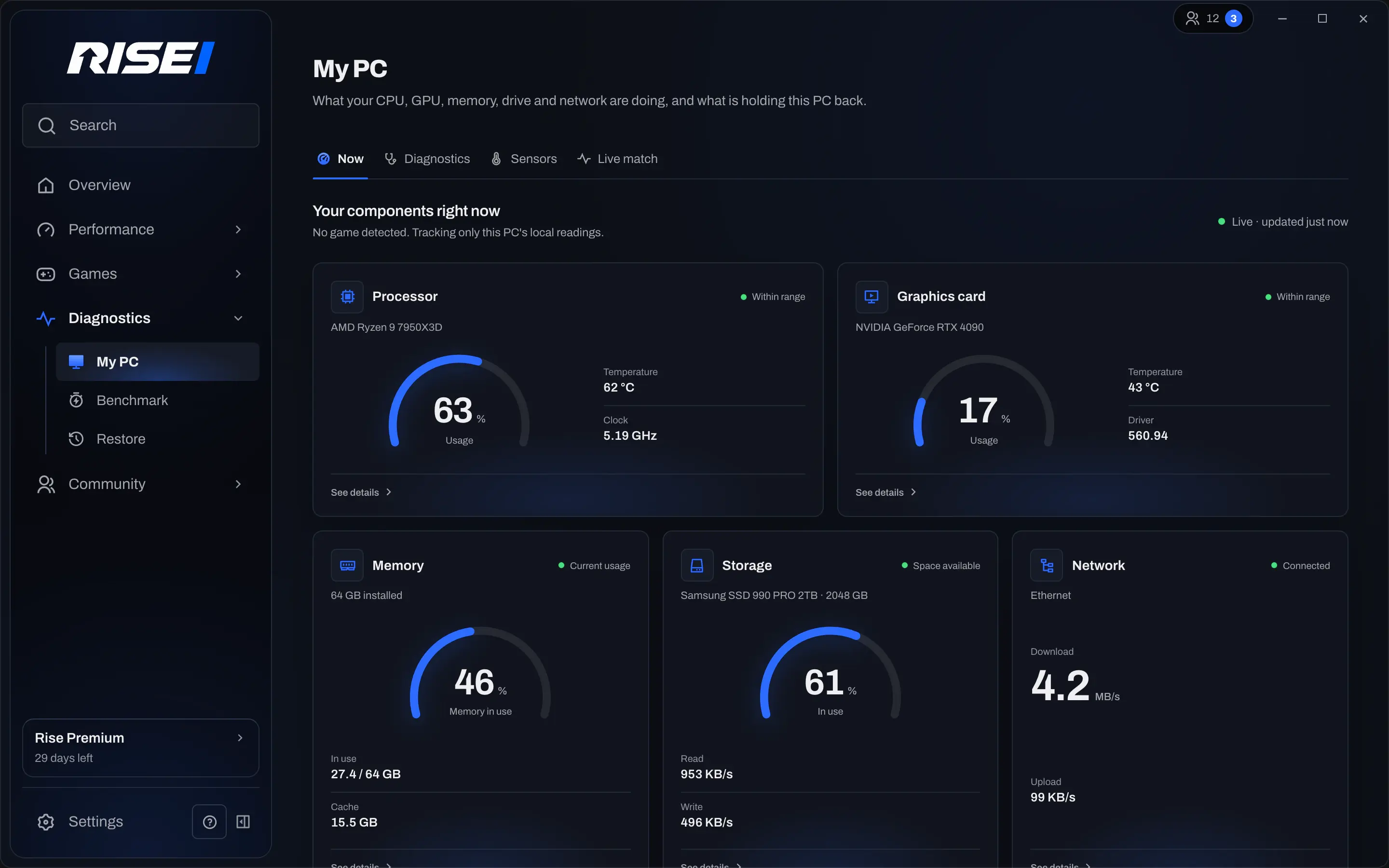
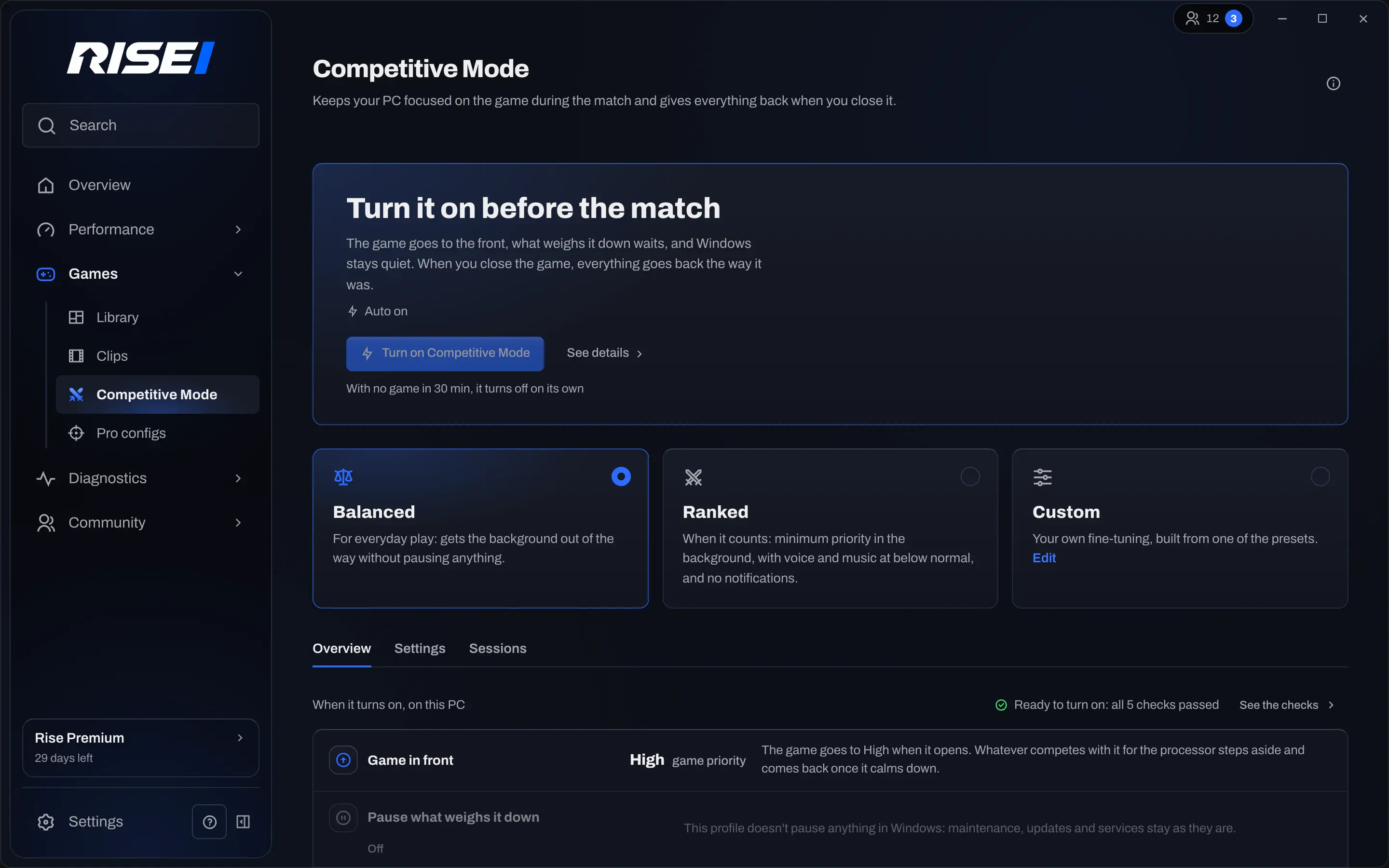
Logos and current app screenshots to use in videos and thumbnails. Don't change the colors or distort the brand.

Rise wordmark (SVG) Download
Rise blade (SVG) Download
Rise logo (PNG) Download
Rise icon (PNG) Download
Overview Download
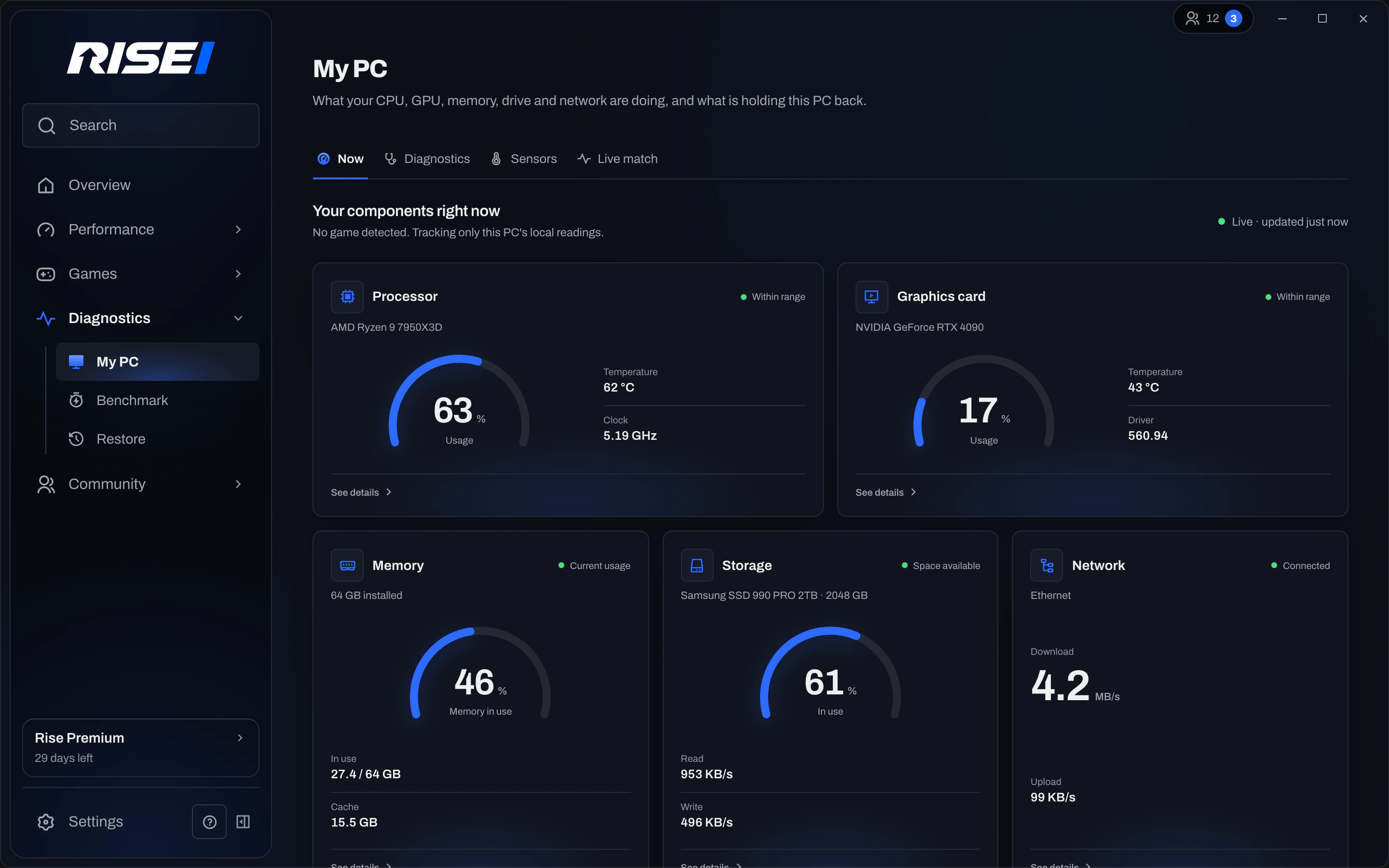
Diagnostics Download
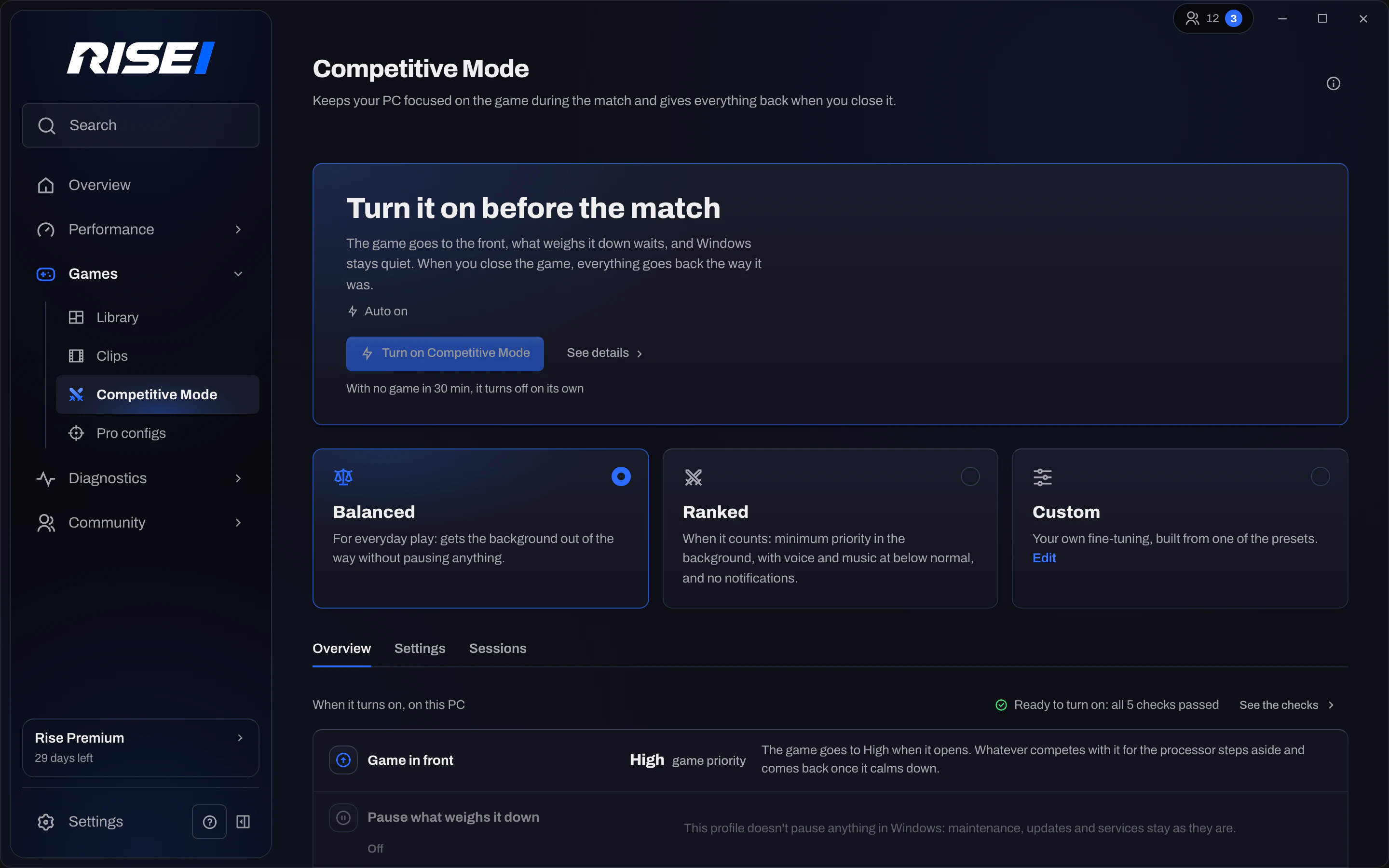
Competitive Mode Download
The Rise motion video goes here as soon as it’s published.
Motion videoComing soon